
Prayer lists
Prayer list template you can copy and use today
· 2 min read
A free prayer list template you can copy into your notes, with a line for each person and need, plus how often to pray for each and how to use it daily.
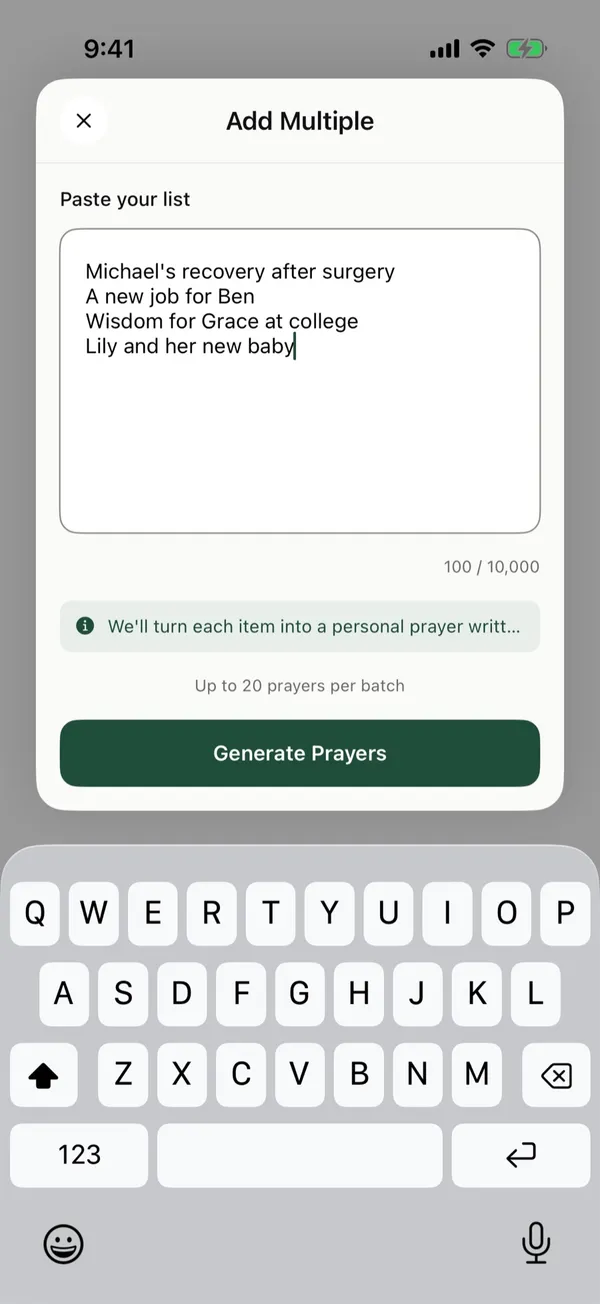
This prayer list template gives you one line for each person and need, written so you can copy it into your notes or paste it straight into an app. Replace each placeholder with a name and a few words, then pray through a few lines each day.
What is a prayer list template?
A prayer list template is a blank list you fill in with the people and needs you pray for. The simplest form puts one request on each line, a name and a few words like “Grace, wisdom at college,” so it works on paper, in a notes app, or pasted into a prayer app. You then decide how often each line comes up, so each day’s portion stays short.
The prayer list template
Family member, one need
Family member, one need
Friend, one need
Friend, one need
Pastor or elder, one need
Church member who is sick or grieving, one need
Coworker or classmate, one need
Neighbor, one need
Missionary or country, one need
Thanks for something God has done this week
How to fill in the template
Each line of the template becomes one prayer request. Replace the placeholder with a name and keep the need to a few words, such as “Grace, wisdom at college.” If you don’t know someone’s need, write their name and pray that they would know God and His care.
If you are stuck on who to write down, see these prayer list ideas. For filled-in lists, see these prayer list examples.
If you’d rather give each person their own card than keep one list, see how to use prayer cards.
How often should each line come up?
How often you pray for each line of a prayer list depends on how close the person is and how urgent the need is. A common pattern:
- Daily: close family, and anyone facing something this week, like a surgery.
- Weekly: friends, your church, and work or school.
- Monthly: missionaries, countries, and leaders.
Change the pattern to fit your life. See how to choose how often a prayer comes up.
How to use the template each day
A prayer list template works best when you pray through a few lines at a time. Pray the daily lines, then one or two others. A few minutes is enough. Jesus warned against praying to be seen or heaping up empty phrases (Matthew 6:5-8). A short, honest prayer for each name is a good prayer.
When something changes, update the line. When God answers, write down the date and what happened.
Paste the template into The Pray App
The template is already in the format The Pray App accepts: one request on each line, up to 20 at a time. On Home, tap New prayer card, then Have a list?, paste your filled-in lines, and tap Generate Prayers. On Review Prayers, set each card’s Frequency to Daily, Weekly, or Monthly, then tap Create.
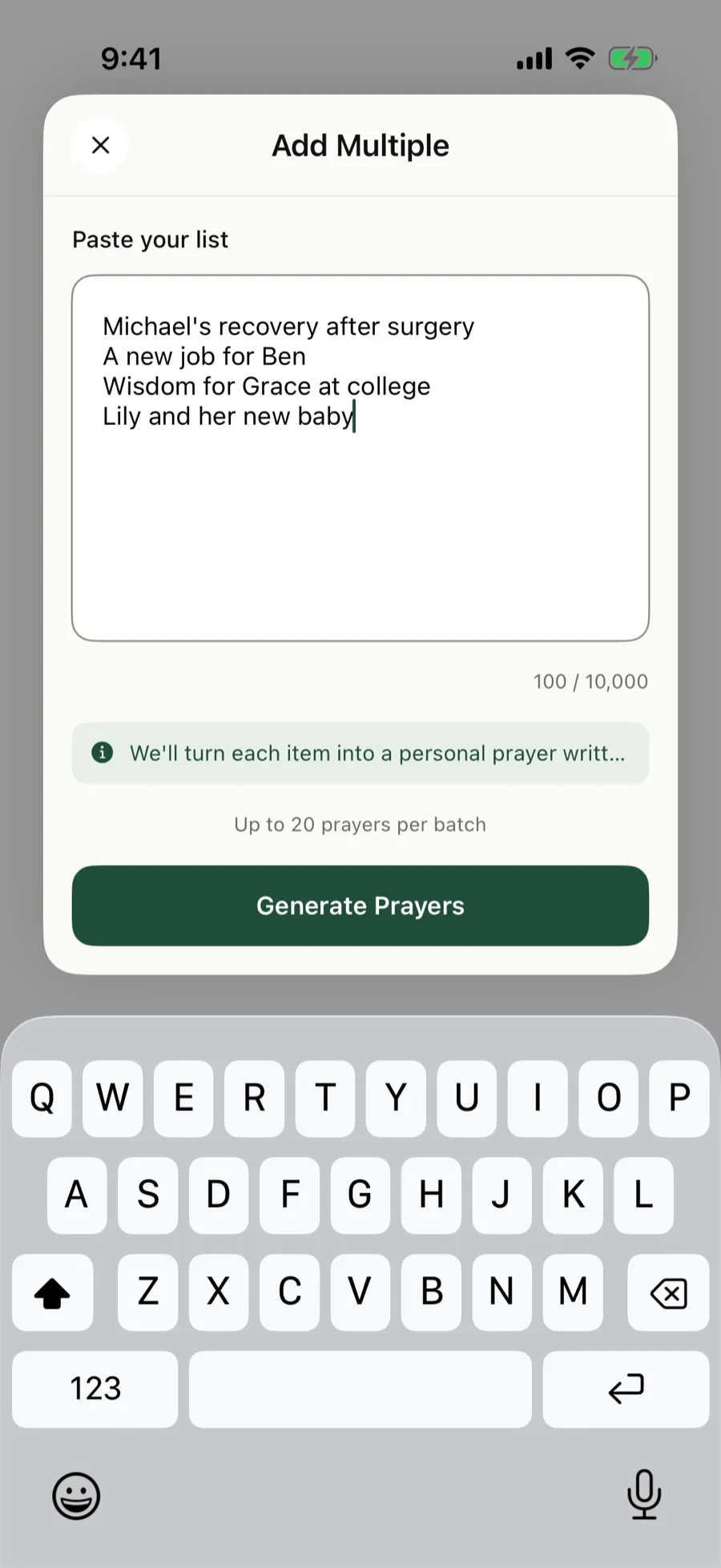 Paste the filled-in template on the Add Multiple screen, one request per line.
Each day, Today on Home shows only the cards that are due.
The Pray App is free on the App Store. See how to add many prayers at once.
Questions people ask
What should a prayer list template include?
One line for each person or need, written as a name and a few words, with lines for family, friends, church, work or school, the wider world, and thanks.
Is there a free prayer list template?
Yes. You can copy the template on this page into your notes app or a journal. If you want it on your iPhone, paste it into The Pray App, which turns each line into a prayer card.
How do I use a prayer list template every day?
Pray through a few lines each day instead of the whole list. Decide which lines come up daily, which come up weekly, and which come up once a month.
Related guides
- How to keep track of prayer requests without forgettingHow to keep track of prayer requests from friends, church, and family, so you remember to pray, follow up, and see how God answers over time.
- Prayer cards, how to use them to pray for peopleHow to use prayer cards to pray for people, what to write on each card, how often to pray through them, and what to do when a prayer is answered.
- Prayer list examples for family, friends, church, and morePrayer list examples you can copy for family, friends, church, work, health, and the world, plus a weekly list and how to pray through it.
- Prayer list for church, what to pray for your congregationA prayer list for church you can use on your own or in a prayer meeting, covering pastors, members, missions, and the city, with Scripture for each.