Delete your account
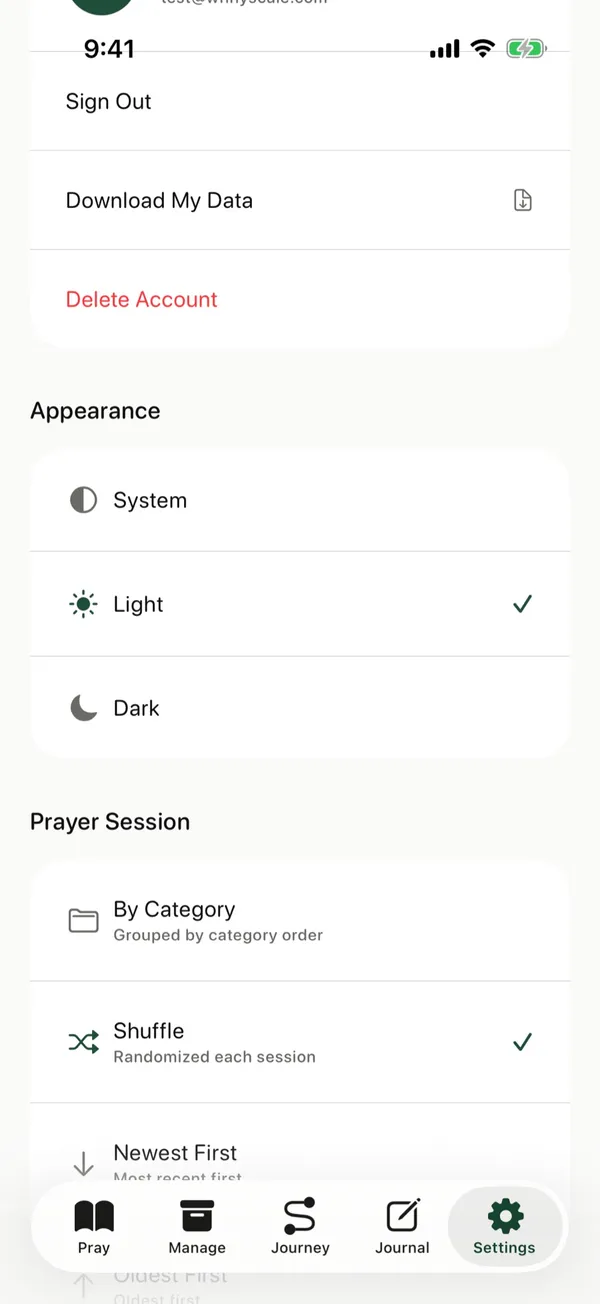
Delete your account and everything in it from Settings. This can't be undone.
Steps
- Tap Settings at the bottom of the screen.
- Under Account, tap Delete Account.
- Read the message, then tap Delete to confirm.
Before you delete
- This permanently deletes your account and all your data. To keep a copy, first download your prayers and journal.
- Deleting your account doesn’t cancel a supporter subscription. Apple handles those. Open the Settings app on your iPhone, tap your name, then Subscriptions.
Posts about this