
Prayer apps
Offline prayer app, pray anywhere without a connection
· 2 min read
Why an offline prayer app helps you pray on planes, trains, and quiet mornings, what works offline in The Pray App, and how your prayers stay private.
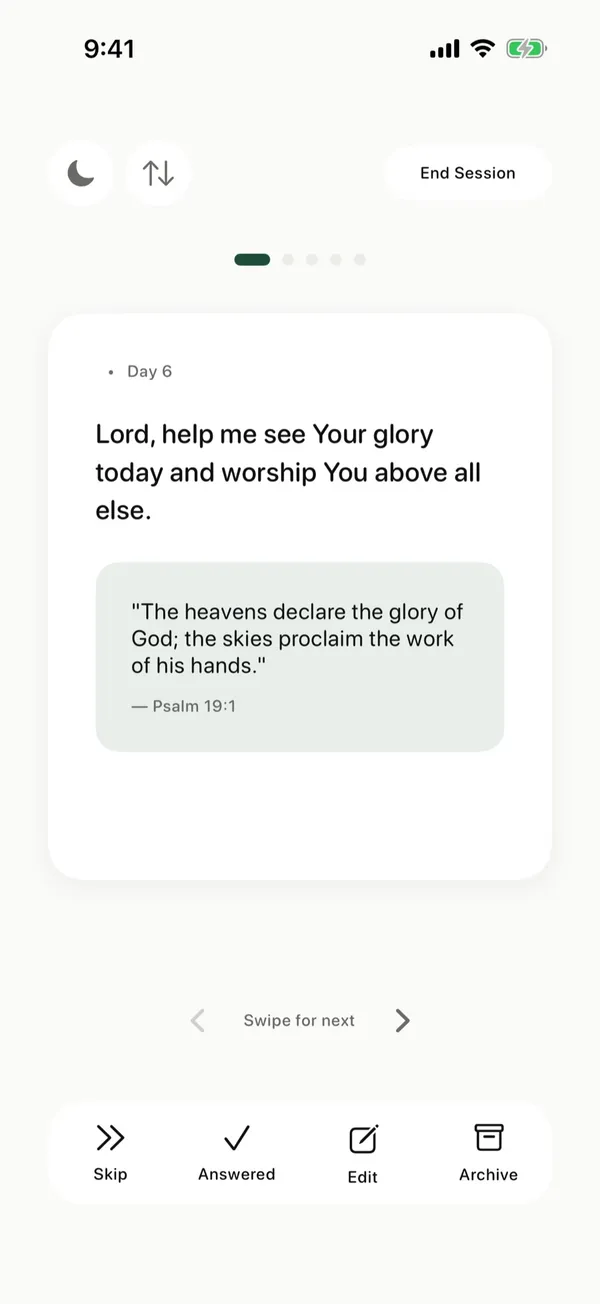
An offline prayer app lets you pray without a connection, on a plane, on the subway, in the mountains, or in airplane mode on purpose so nothing interrupts you. The Pray App keeps your prayer cards on your iPhone, so you can pray through them anywhere, and syncs your changes when you’re back online.
Can you use a prayer app offline?
You can use The Pray App offline because your prayer cards are saved on your iPhone. Open the app, tap Start praying, and go through today’s cards without a connection. Changes you make sync when you’re back online. Two features need a connection: pasting a list to generate prayers, and Bible commentary. Everything you need to pray through your list is already on your phone.
Why pray offline?
Praying offline removes the pull of notifications, messages, and news. Jesus withdrew to quiet places to pray: “Rising very early in the morning, while it was still dark, he departed and went out to a desolate place, and there he prayed” (Mark 1:35, ESV). He taught us to “go into your room and shut the door” (Matthew 6:6, ESV). “Be still, and know that I am God” (Psalm 46:10, ESV).
Turning on airplane mode before you pray is a simple modern way to shut the door.
What works offline in The Pray App?
The Pray App works offline for praying through your list:
- Praying through today’s cards, one at a time, with the prayer and Bible verse on each.
- Changes you make while offline, which sync when you reconnect.
Two features need a connection:
- Have a list? and Generate Prayers, which turn a pasted list into prayer cards.
- Commentary in Today’s Reading.
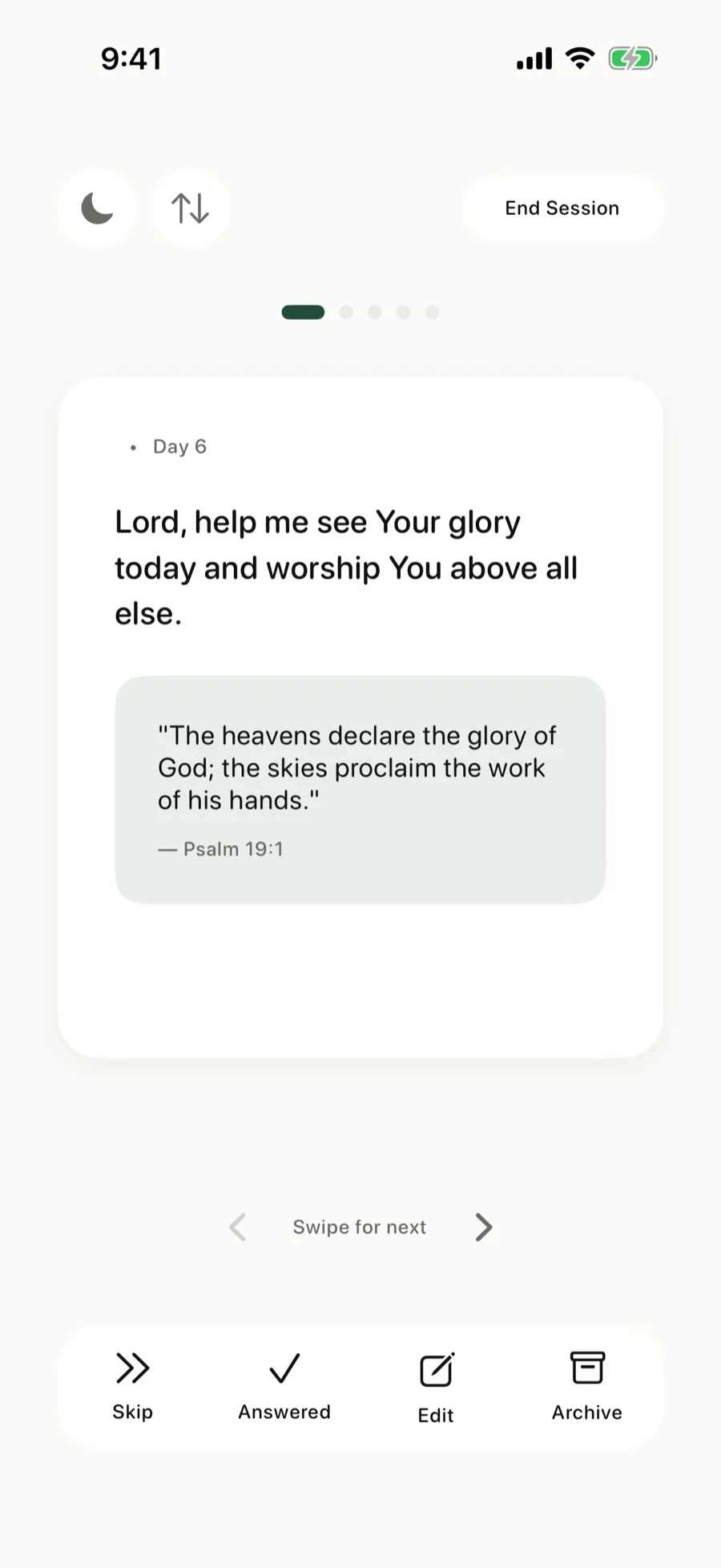 Pray through today’s cards anywhere, with or without a connection.
How private is The Pray App?
The Pray App keeps your prayers private. They’re encrypted, we don’t read them personally, and we never sell your data. There are no ads. In Settings, Download My Data saves your prayer cards and journal entries as a file, and you can delete your account and everything in it.
Is The Pray App right for you?
The Pray App fits Christians who pray on the go or want to pray without distractions, on an iPhone. It isn’t on Android, and it doesn’t play audio. If you want your prayer list with you even when you have no signal, it was built for that. See also daily prayer app and free prayer app.
The Pray App is free on the App Store, with no ads. See how to download your prayers.
Questions people ask
Does The Pray App work offline?
Yes. Your prayer cards are saved on your iPhone, so you can pray through them without a connection, and your changes sync when you're back online. Pasting a list to generate prayers and Bible commentary need a connection.
Can I use The Pray App in airplane mode?
Yes. Praying through your prayer cards works in airplane mode, which you can turn on to pray without notifications.
Are my prayers private?
Yes. Your prayers are encrypted, we don't read them personally, and we never sell your data. You can download or delete your data from Settings.
Related guides
- Prayer app for kids, how families can pray togetherWhat parents can look for in a prayer app for kids, how to use The Pray App with your children at bedtime, and how answered prayers can build their faith.
- Prayer app for teens, how to pray as a teenagerHow to pray as a teenager, praying for your friends, school, the future, and anxiety, and how The Pray App helps teens keep praying without pressure.
- AI prayer app, what AI can and can't do for your prayersHow AI can help organize your prayer list, why it can't pray for you, how to test what it writes against Scripture, and how The Pray App uses it.
- Best prayer app for iPhone, what to look forWhat makes the best prayer app for iPhone, the features that help you pray each day, and how The Pray App handles lists, journaling, and privacy.